Create your VPC
View VPC
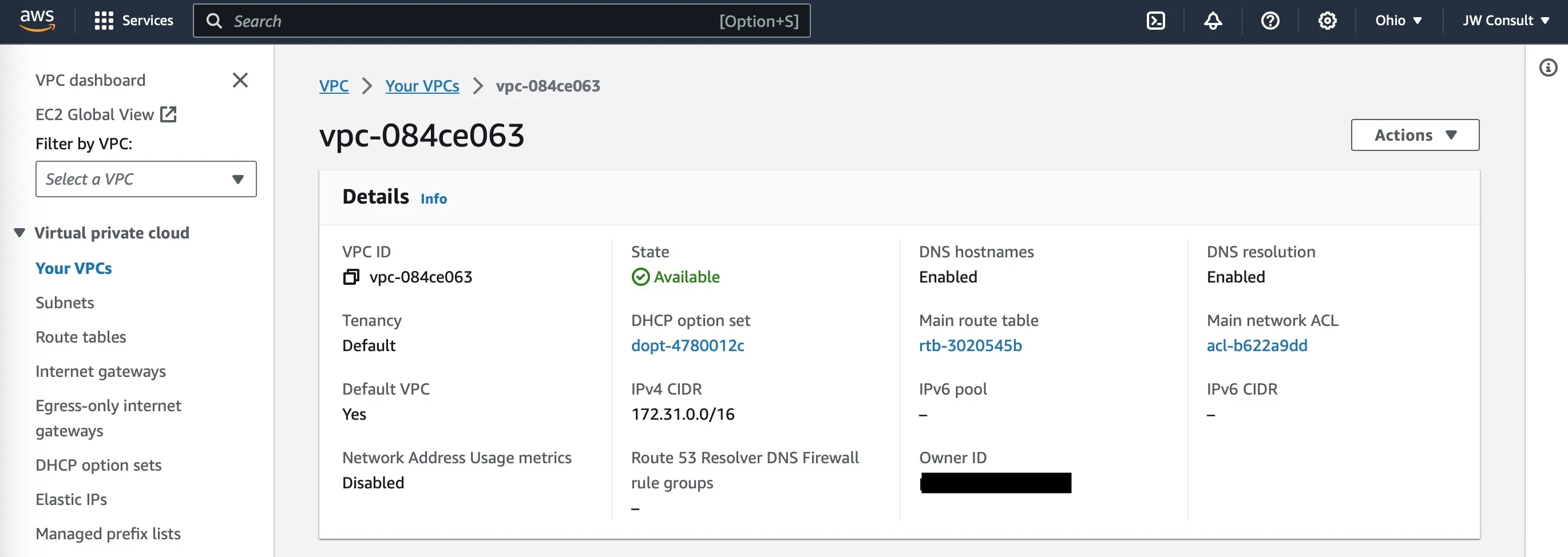
Section titled “View VPC”By default every region in AWS will have a default VPC created so that you can start using them. This VPC will have default IP range of CIDR 172.31.0.0/16
To view an existing VPC on AWS, follow these steps:
- Go to the Amazon VPC console.
- In the navigation pane, click VPCs.
- Click the name of the VPC that you want to view.
Create VPC
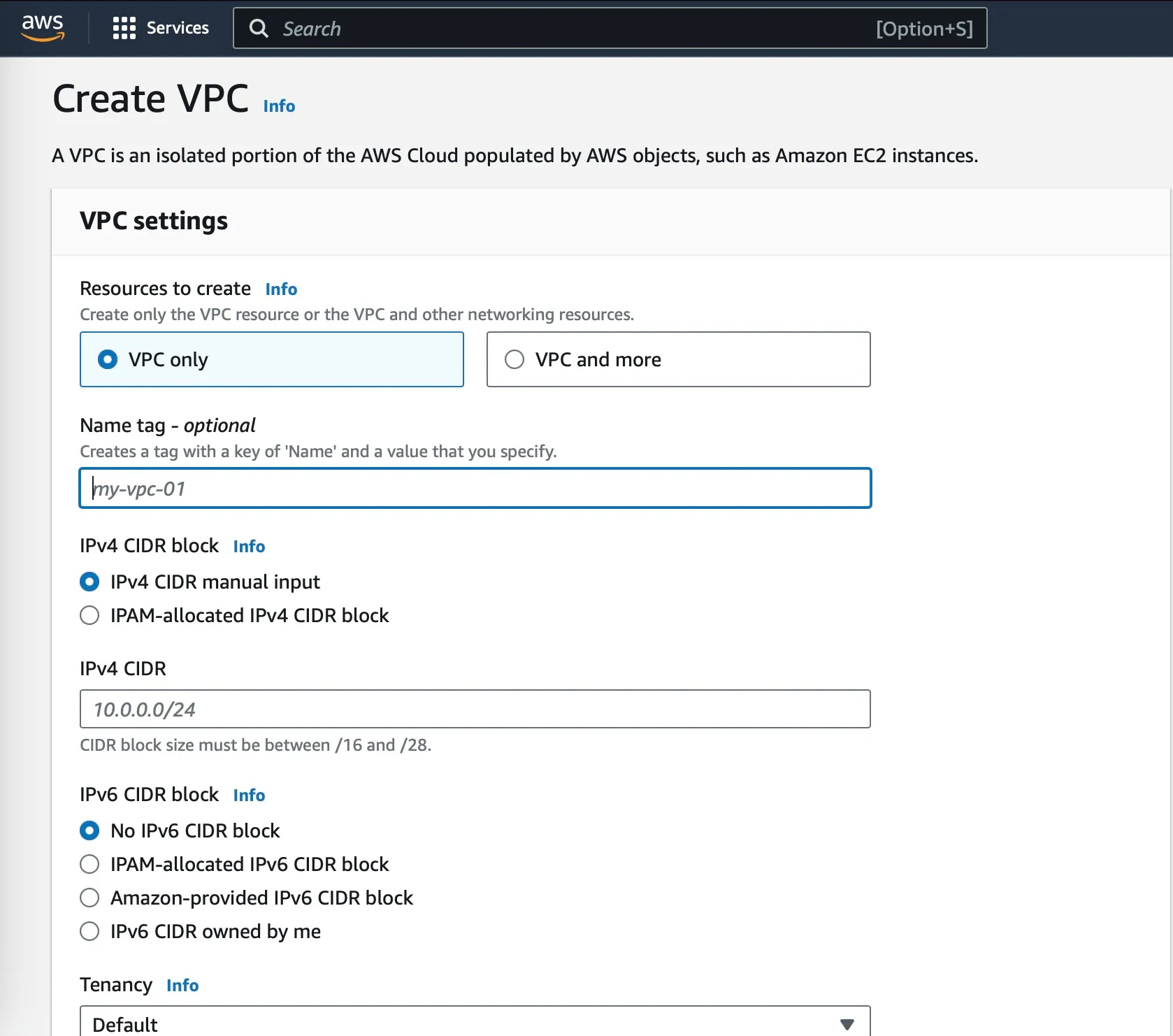
Section titled “Create VPC”To create a VPC on AWS, follow these steps:
- Go to the Amazon VPC console and click Create VPC.
- Enter a name for your VPC in the VPC name field
myvpc - Select a CIDR block for your VPC in the IPv4 CIDR block field. A CIDR block is a range of IP addresses that you can assign to resources in your VPC.
10.0.0.0/16 - Select a tenancy for your VPC in the Tenancy field. There are two types of tenancies: default and dedicated. Default tenancies are shared with other AWS customers. Dedicated tenancies are isolated from other AWS customers.
default - Click Create VPC.